
Example
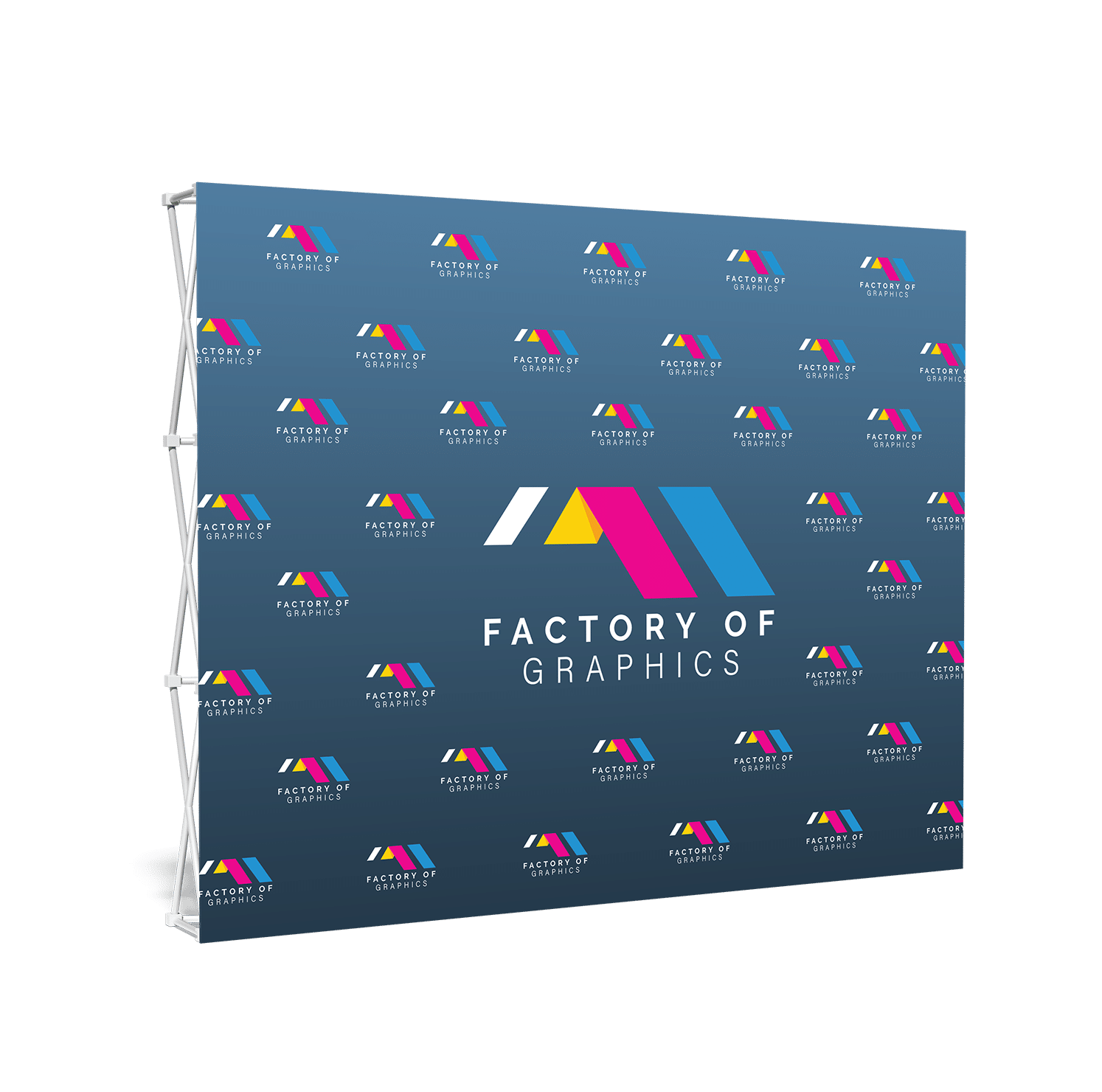
10 × 10 campaign wall
For a compact inline booth, a single dominant image, a concise brand line, and a focused call to action usually read more clearly than a crowded information wall.
Graphics & Print
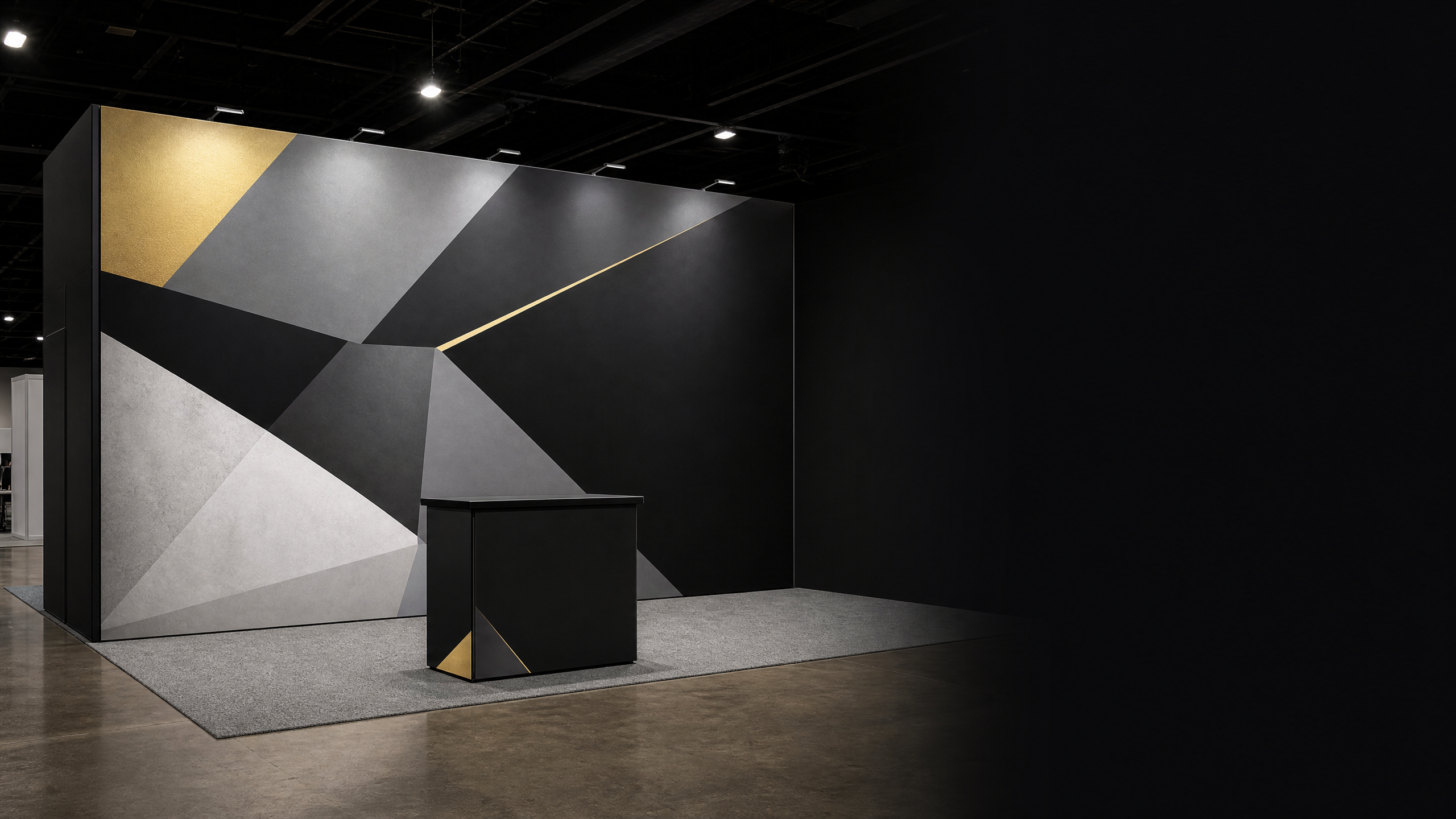
A backdrop is the single highest-impact graphic in any trade show booth. Factory of Graphics prints pop-up, straight, and curved fabric backdrops sized for 10x10 and 10x20 inline booths, plus custom widths for island configurations. Every backdrop is printed on wrinkle-resistant fabric, hemmed, and packed in a padded case for repeat use.
Why this matters
A backdrop should do more than fill the rear wall. It can establish the campaign message, create a meeting-ready visual field, support photography, and connect the booth footprint to a clear next action for visitors.
Project blueprint
Use the booth drawing, visible wall dimensions, approved artwork, and show timing to define the production path. This checklist helps move from a loose concept to a useful rear-wall plan.
Start with the booked 10 × 10, 10 × 20, or larger footprint and confirm which wall or frame surface the backdrop will occupy.
Choose the one message, product visual, or proof point that must be readable first, then build supporting information around it.
Confirm whether the graphic uses a pop-up, straight wall, curved wall, fabric frame, or another approved display system.
Document delivery, case handling, onsite setup responsibility, and any graphics that need to coordinate with counters, banners, or flooring.
Useful application examples
These are practical planning examples, not claims about a specific client or venue program. Final requirements are confirmed for the actual project.
Example
For a compact inline booth, a single dominant image, a concise brand line, and a focused call to action usually read more clearly than a crowded information wall.
Example
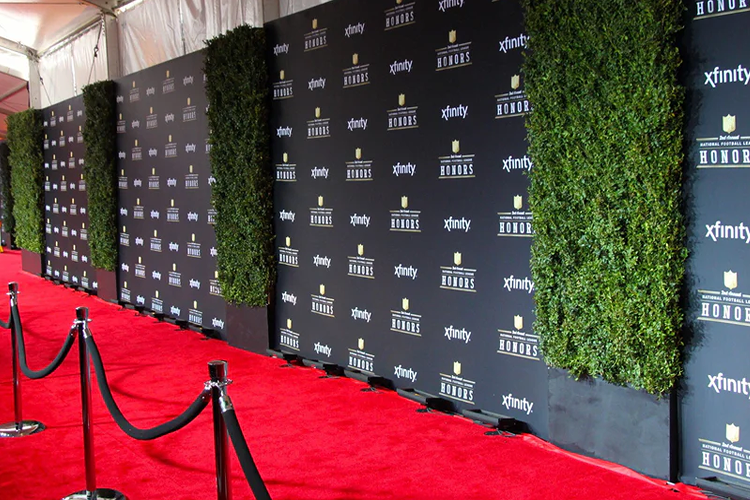
A straight fabric backdrop can help separate the meeting zone from the aisle while keeping the presentation clean and the message consistent behind the team.
Example
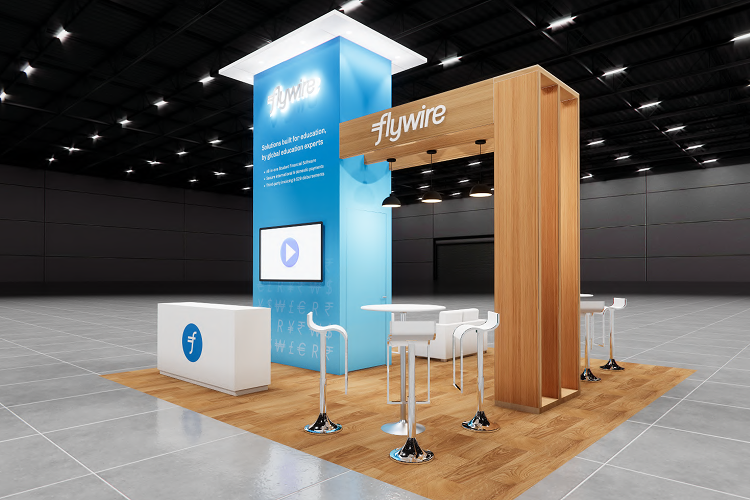
A larger configuration can pair a backdrop with coordinated SEG panels, counter graphics, banners, or floor graphics when every element follows the same brief.
The design-to-install path
Every project is scoped around its real materials, artwork, environment, timing, and delivery or installation context. Nothing here substitutes for the project-specific approval process.
Share the booth footprint, audience, desired action, timing, location, and any existing brand files. The goal is to make the next production decision clear before artwork moves forward.
OutputUsable project brief
We review the supplied dimensions, artwork status, installation surface or exhibit frame, and any venue or handling requirements that affect the output.
OutputVerified inputs and open questions
The project brief aligns the visual zones, finished size, material, finishing details, proof needs, packing, and delivery or installation path before production begins.
OutputConfirmed production blueprint
After the scope is confirmed, production and logistics are coordinated around the actual approved artwork, deadline, delivery address, and project requirements.
OutputCoordinated production handoff
From approved brief to coordinated handoff
The written project brief keeps confirmed dimensions, approved files, finishing details, timing, packing, delivery, and any installation coordination attached to the same decision path.
Frequently asked questions
Every project still needs a confirmed scope, but these questions can help your team arrive with the useful details.
Start with the confirmed rear-wall or display-frame dimensions rather than an assumed size. The booth plan, frame type, and desired clearances determine the useful finished area.
Yes. Include the related counter, banner, frame, flooring, and signage requirements in the same project brief so visual priorities can be reviewed together.
A booth or frame dimension, event date, delivery location, artwork status, and the intended use of the backdrop are the most helpful starting details.
Start with the real project details
Share the footprint, message, artwork status, deadline, and delivery or installation context. We will help identify the next practical step for the actual project.